Like a dynamic cloud jukebox.
– Art Gillespie
Startup events bring out the best in us.
Lot’s of advantages to this approach, but it can be a bit tricky to implement.

This tutorial will focus on a new feature in Inkscape version .47 called spiro splines.
This is a simple technique and might be a bit of a stretch to consider as an actual tutorial. At any rate this is a fun tool with a lot of possible uses. Grab a copy of Inkscape if you don’t have one already and let’s get started.
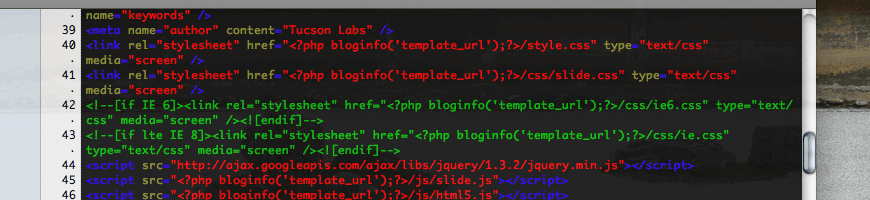
Generally the last thing people think about when building a WordPress theme is search optimization.
Features and design come first, and search optimization generally comes last or not at all. This article will discuss a few easy steps to make your WordPress theme a little friendlier to search engines. More specifically I’ll concentrated on explaining why it’s a good idea to optimize your WordPress theme, what the key elements of good on page SEO are, and discuss today’s best practices for on page SEO when designing websites that use WordPress as a CMS.
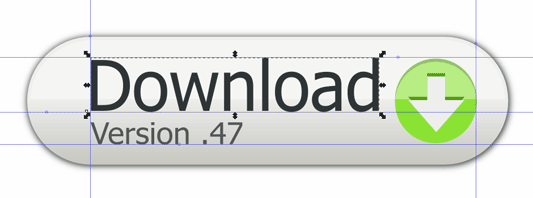
This tutorial will show you how to create a contemporary download button in Inkscape — a popular web design asset. Continue reading “Designing download buttons with Inkscape”
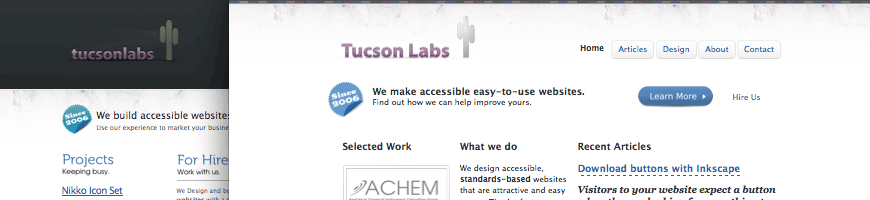
If you’ve visited here before you might notice that this site has just received a major overhaul. One of my main goals with this design was to improve the navigation and make it easier for people to access and find content. I also wanted to make it easier for people to get in touch, request proposals, and provide a better explanation of how our web design process works. I’ll discuss the motivations behind this design, the process, and some of the sites new features.
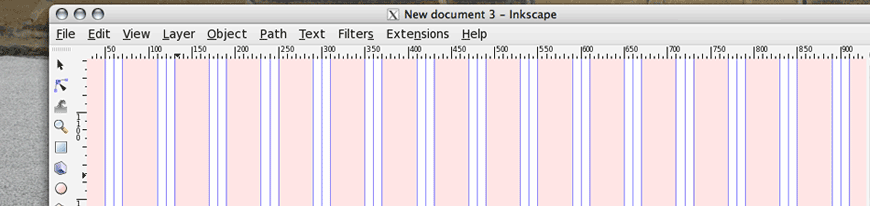
Our website is just fine how it is, but I wanted to make information for potential clients easier to access and quickly scan.
On the most basic level, I really just wanted to reorganize our about page and add our design and development process in a four column grid below our elevator pitch. The idea was that this four column grid would sit below the a three column grid (the same grid as the current homepage) with some relevant information about Tucson Labs and our services.
Patterns are an essential resource for web designers. They help dictate the character of a website and when used correctly can help shift the readers attention to desired sections on the page or help set the mood for reading.
The web is awash with resources free or paid pattern resources, but knowing how to create your own can often provide better results than an off the shelf, generic solution. Moreover you needn’t worry about downloading the pattern in the desired format or spending time searching through hundreds of images.
This article is aimed at explaining how to create a background pattern using Inkscape. Given that there’s a current trend on the web to use a repeating pin stripe pattern set at a 45 degree angle for a background image – I will use this as an example for the method. More specifically this tutorial will explain how to convert vector objects in Inkscape into patterns that you can use in your design. I’ll and also provide a work around for a fairly annoying pattern gap bug that affects Inkscape .47 and below.
Microsoft is a giant company with a unique history. It has dominated the software industry for the past 25 years, but it’s finally starting to feel the pressure of a sluggish market and more intense competition. Considering trends in today’s desktop market, I’m going to make some predictions about what Microsoft is going to sell at its new stores.
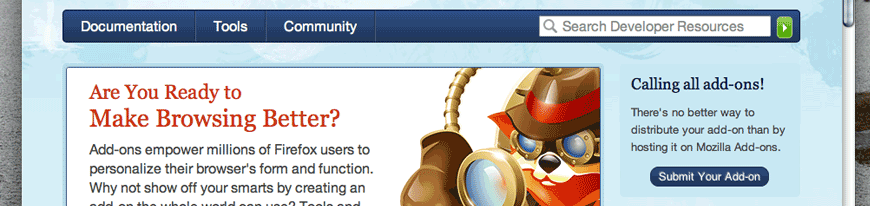
I’m a really big fan of Firefox. I use it daily for simple web browsing and I use it to when I’m going through the process of developing websites. However, as a Linux enthusiast, I really miss the flexibility of Konqueror. It’s an incredibly fast browser with a lot of extremely useful features; especially for web developers. It also has a really good rendering engine. It’s so good that both Apple and Google have put it to work for their own respective web browsers. However, the rendering engine isn’t the only reason Konqueror is so great, it has some nice features that other browsers lack. This article will discuss a simple process of implementing one of my favorite features of Konuqueror in Firefox, as well as list my favorite Firefox plugins. Continue reading “Speeding up web development with Firefox”
If you’re in the position where you need to switch from Linux to OS X, you’ll probably want to pick up the following applications if you haven’t already. These are aimed more at developers, but there’s definitely something for everyone. Continue reading “10 apps to make Linux users feel at home on OS X”
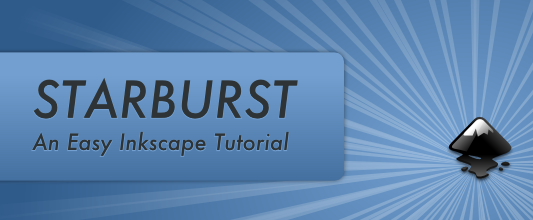
This article will discuss a simple way of creating a star burst background image that is commonly seen throughout the web and in print media. Actually this effect is really being abused now days, but it definitely can look good when done right. This technique is fairly simple and quick, and you only really need to know how to use the pen (or bezier) tool.
With version 0.46, Inkscape released a new feature called “pattern along path”, which amounts to what you would call brushes in Adobe Illustrator. Although there are a few big differences in using brushes in Inkscape, it’s relatively easy to get the hang. I’ll walk you though how make and use brushes for your drawings.

Most web design companies and professionals do the majority of their work using either Windows or OS X. The primary reason for this, I argue, is that the industry standard tools such as Adobe Photoshop, Illustrator, and Fireworks only run (natively) on these platforms. For many professionals using Linux as a primary platform for creating websites just isn’t even considered. Nevertheless, using open-source tools on Linux to design and develop websites is becoming more popular for many different reasons. In this article I’ll take a look at why Linux and it’s open-source programs are gaining steam, as well as address some of the challenges designers face when creating and designing websites with Linux in a professional environment.
Continue reading “Designing professional websites with Linux”